
How do I connect to my wireless network?
Connecting to your wireless network is easy!
First, identify the type of modem you have:
Orcon Genius:
- The default WiFi network name for this modem is Orcon-Wireless, and the password is the modems MAC address, as printed on the bottom of the modem.
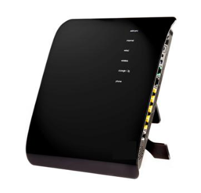
Netcomm NF18AC:
- The default WiFi name for this modem is "Your new Wi-Fi, and the password is the modems serial number, as printed on your Wi-Fi access card.

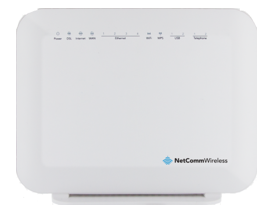
Netcomm NF4V:
- The default WiFi name for this modem is Orcon-Wireless, and the password is the modems serial number, as printed on the bottom of the modem.
AVM Fritz!Box 7490
- The default WiFi name for this modem is FRITZ!Box 7490, and the password is the WPA key printed on the bottom of the modem.

Don't know where to find the list of available wireless networks?
On smartphones or tablets, you can usually go to Settings, then Wi-Fi or Wireless Networks. On a PC or Laptop, look for the Wi-Fi symbol.
You can make sure the Wireless is turned on to see a list of available networks.